Swapping stablecoins on sargo securely and efficiently is easy! Rabby Wallet offers a seamless, non-custodial solution, putting you in full control of your funds. In this guide, we’ll walk you through setting up Rabby Wallet and connecting to Sargo’s dApp, so you can start swapping with confidence. Let’s get started!
Step 1: Install Rabby Mobile
To download Rabby Mobile, visit their official website: https://rabby.io/
The app is available on both Google Play and the App Store.
System Requirements: Rabby Mobile supports iOS 15+ and Android 11+.
Note: Rabby does not provide APK files for direct download. Please use the official app stores or our website to install the app.
Step 2: Create a new address
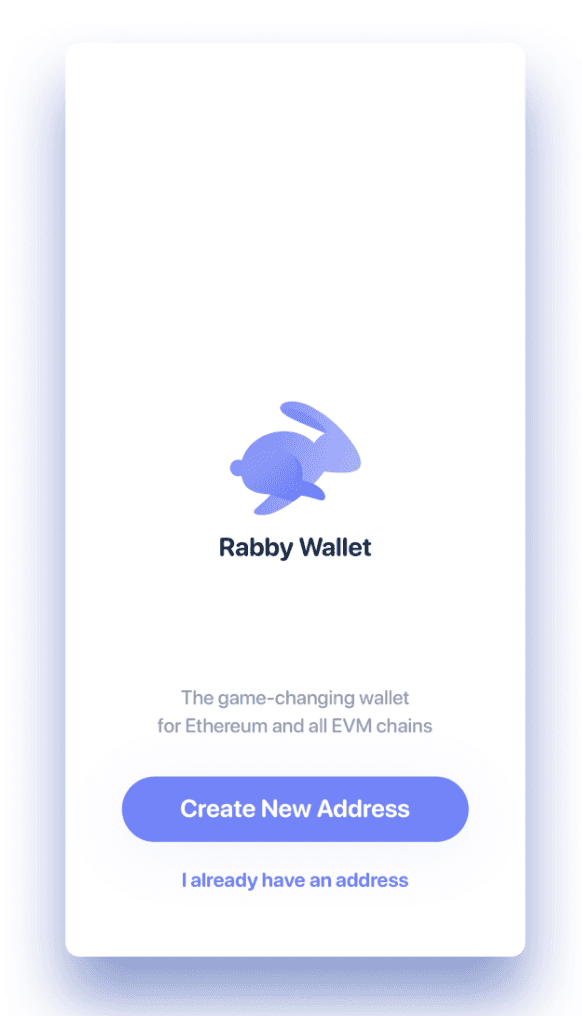
If you don’t have a wallet, click Create a new address and follow the instructions to create and securely back up your address.
Step 3: Name your address
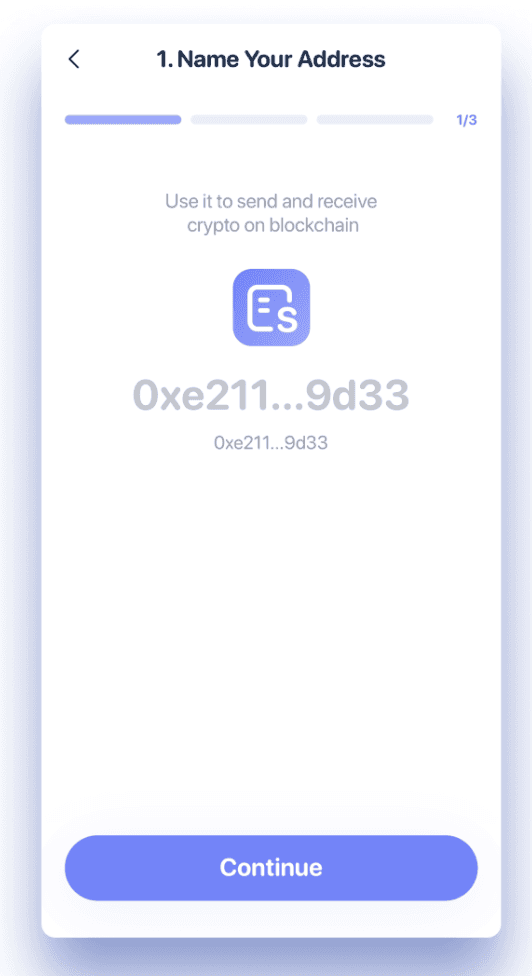
You can add a note to your address to help you identify it later. If no note is added, the address will be displayed in its original blockchain format.
Step 4: Set a password
Create a password to unlock the app and encrypt your local data. You can enable Face ID or fingerprint for quick unlocking.
Note: Rabby does not store your password. If forgotten, you’ll need to reinstall Rabby to set up a new one.

Step 5: Back up your address
Securely back up your Seed Phrase—it is the key to your address and funds. If you lose it or share it with others, your assets could be permanently lost. Without a proper backup, Rabby cannot help you recover your wallet.
Option 1: Back up via iCloud or Google Drive
Save your Seed Phrase in iCloud or Google Drive for added convenience. You’ll need your password to restore it, so ensure your password is securely saved. Without the password, you cannot restore the backup, and Rabby cannot assist with recovery.
Option 2: Back up manually
Write your Seed Phrase down on paper and store it securely in a location only you can access.
Note: Avoid unreliable methods such as taking screenshots, saving in plain text files, or storing in unencrypted cloud services, as these increase the risk of unauthorised access to your Seed Phrase.
Step 6: Rabby Wallet Set up complete!
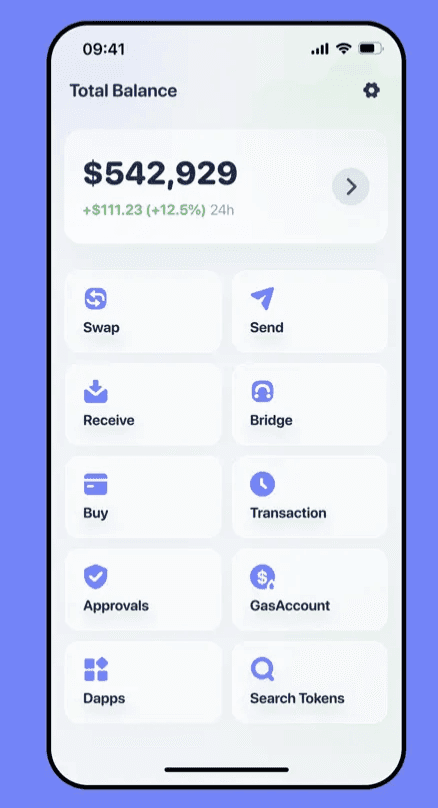
Once set up, you’ll see your wallet balance along with features like Send, Swap, Bridge, and Websites to help you conveniently explore on-chain activities. You can pin your most-used address to the homepage for instant access.
Step 7: Accessing Sargo dApp using rabby wallet
To connect to Sargo, tap Dapps and enter sargo website Url: https://sargo.io/
This should open the website. Locate the Connect Wallet button.
Select Rabby Wallet from the list of available wallet options. A pop-up window from Rabby will appear.
Approve the connection in Rabby, and you’ll be connected to Sargo with your Celo wallet.
Create account if you have no account yet
You are set to go! You can begin to use the features of the Sargo.io platform to conduct P2P swaps.
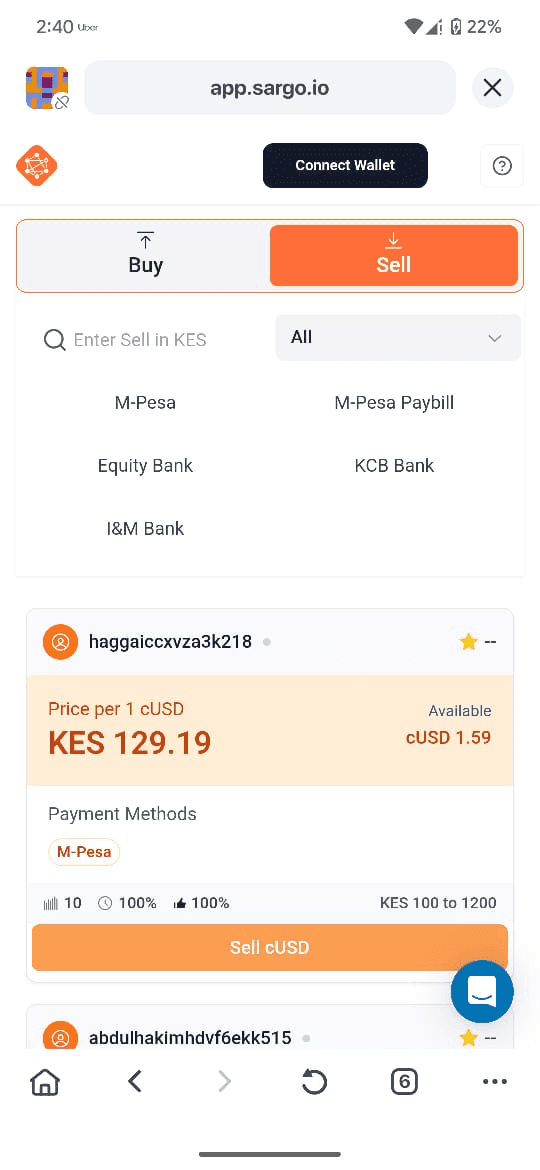
You are now ready to use Sargo.io!
Once your wallet is connected, you can begin to use the features of the Sargo.io platform to conduct P2P swaps.